



PCIe 4.0 x16 Riser Extension Cable Flat Flexible Cable with Gold-Plated Contacts For Vertical GPU Mounting and ATX Cases
| Colour:
|
You already have the maximum available quantity in your cart.

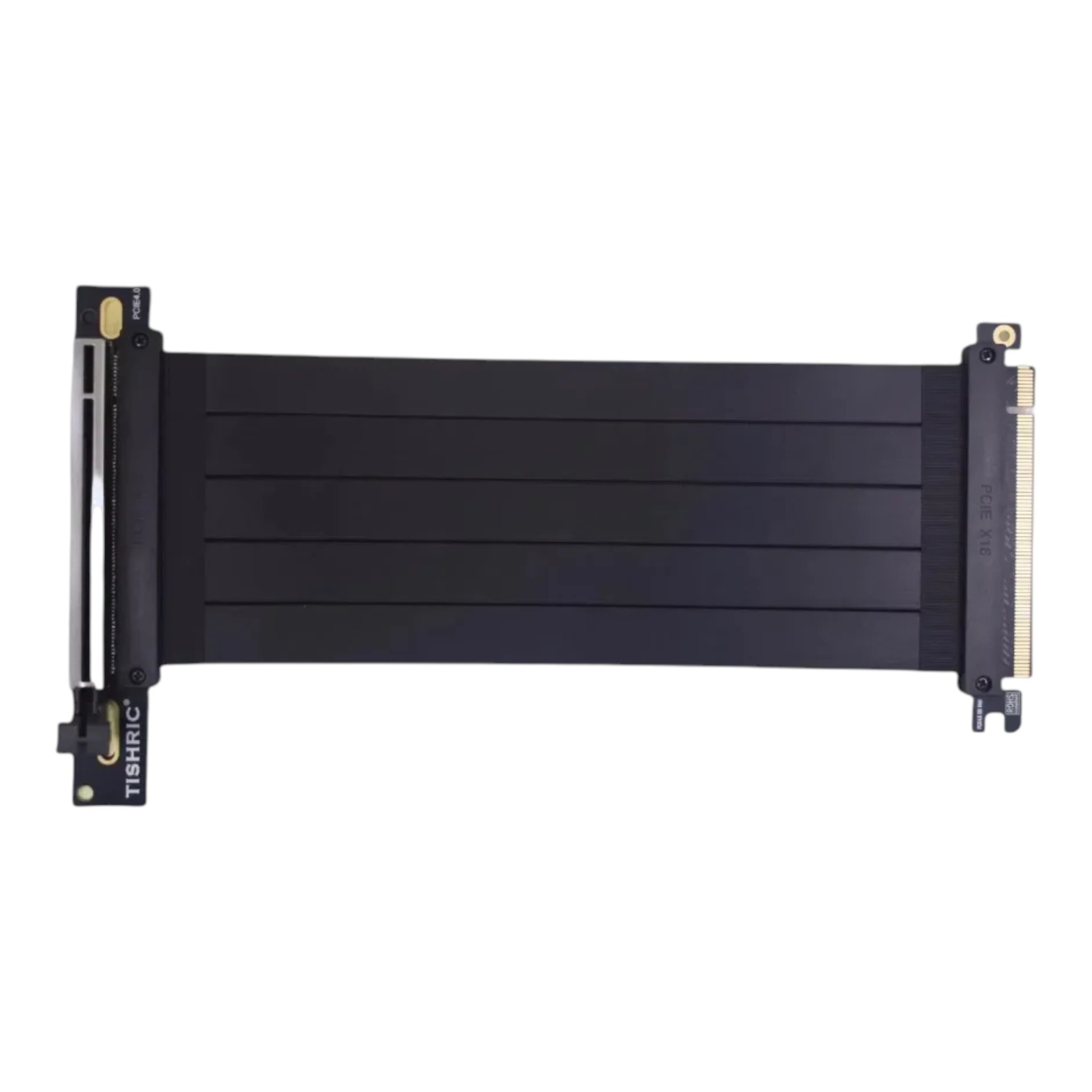
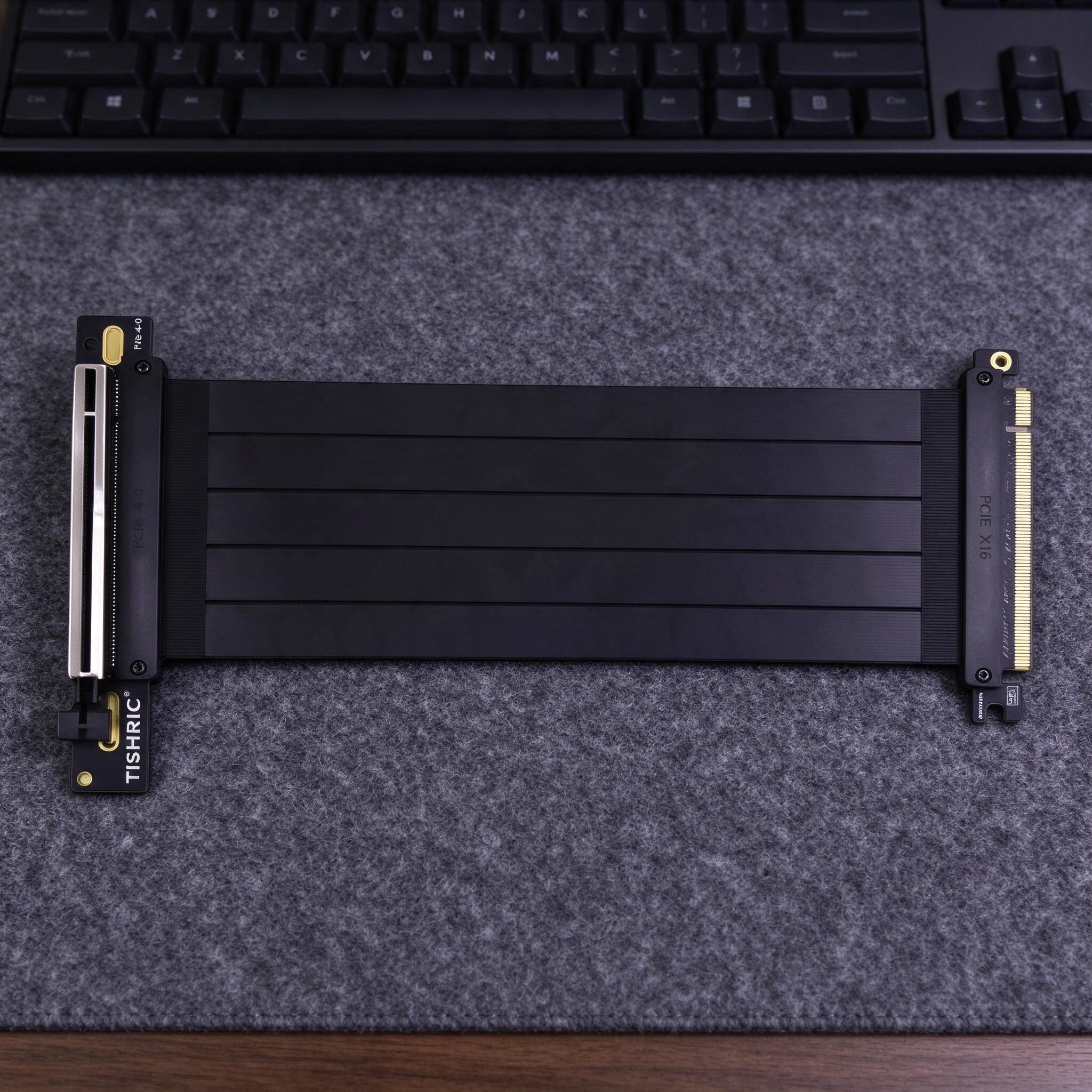
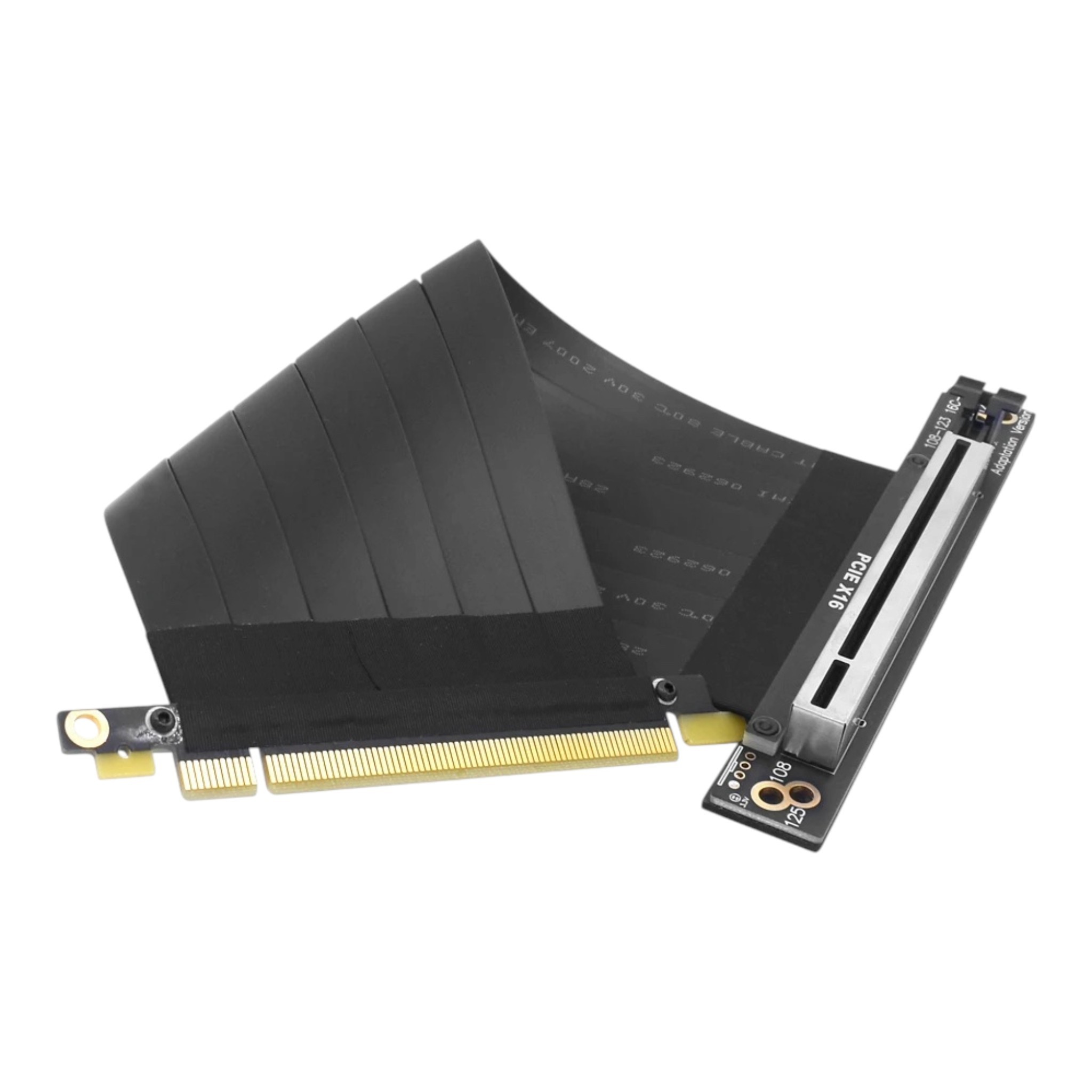
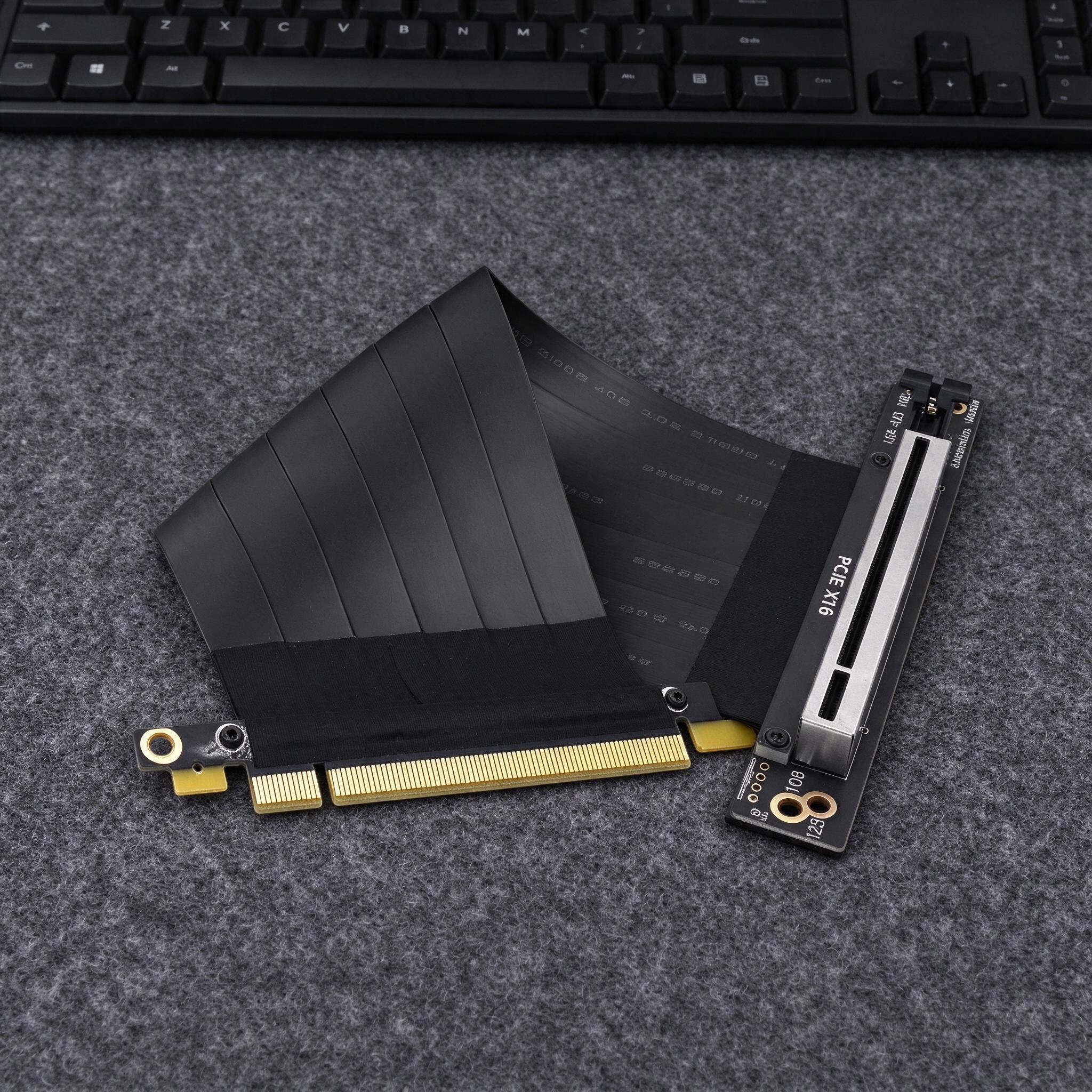
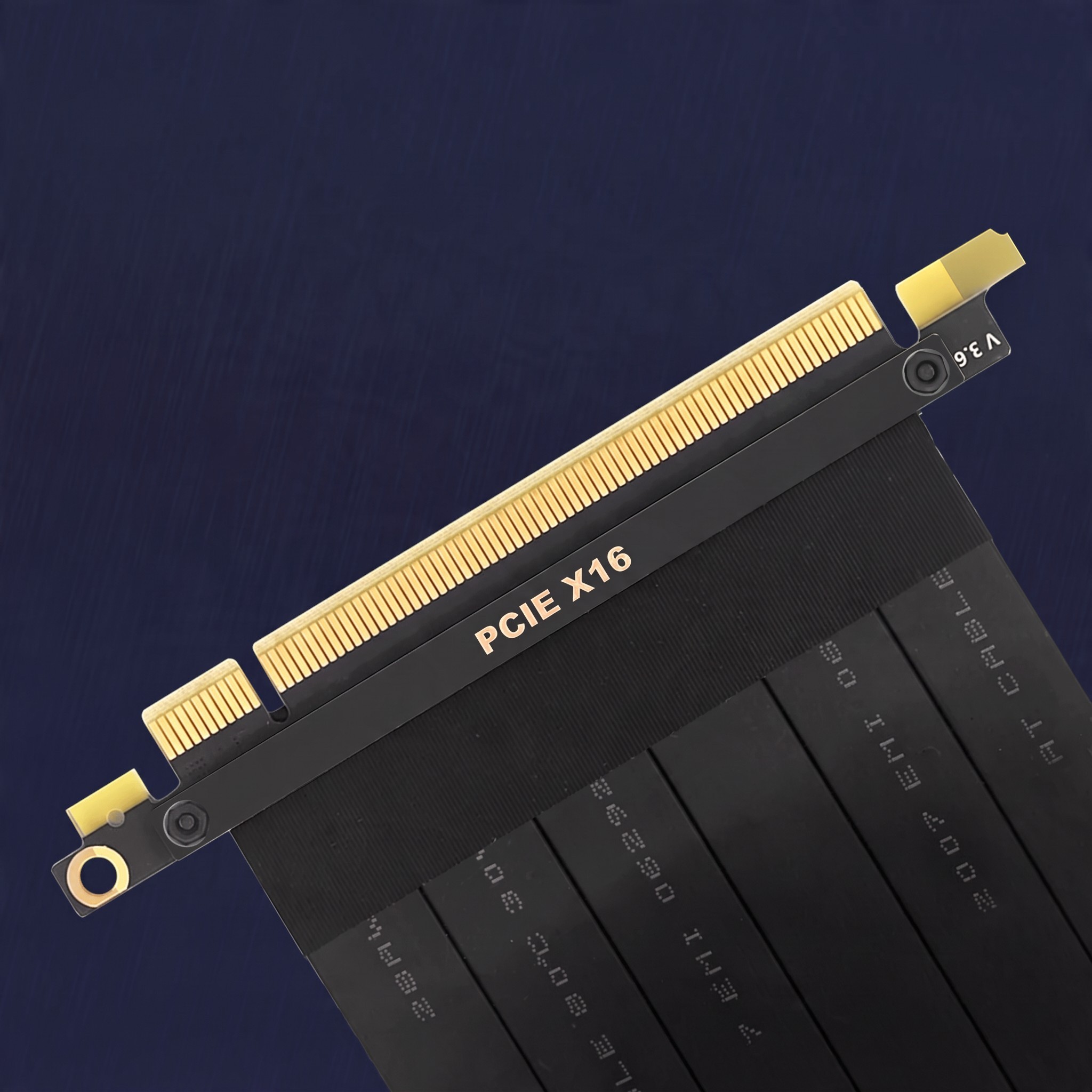
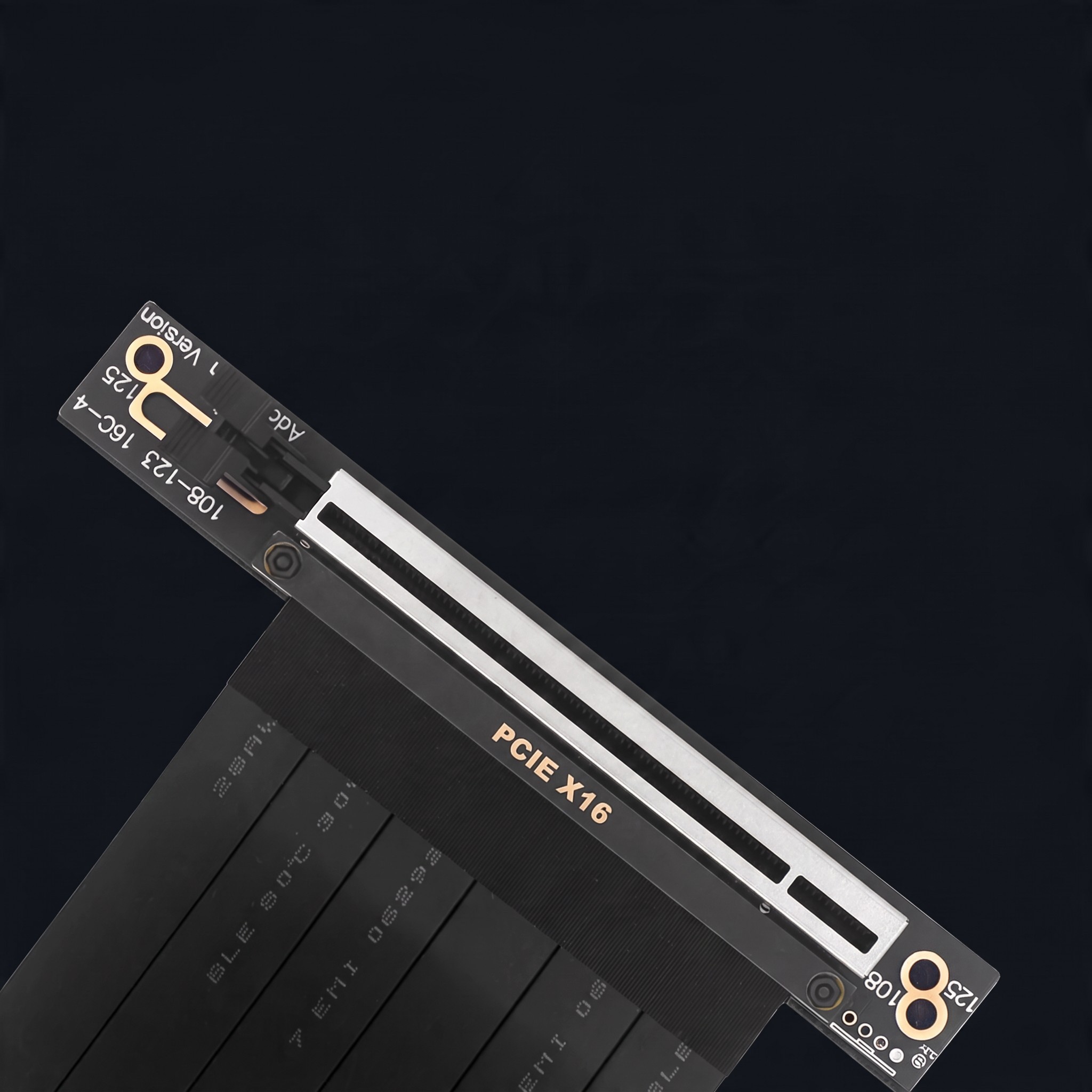
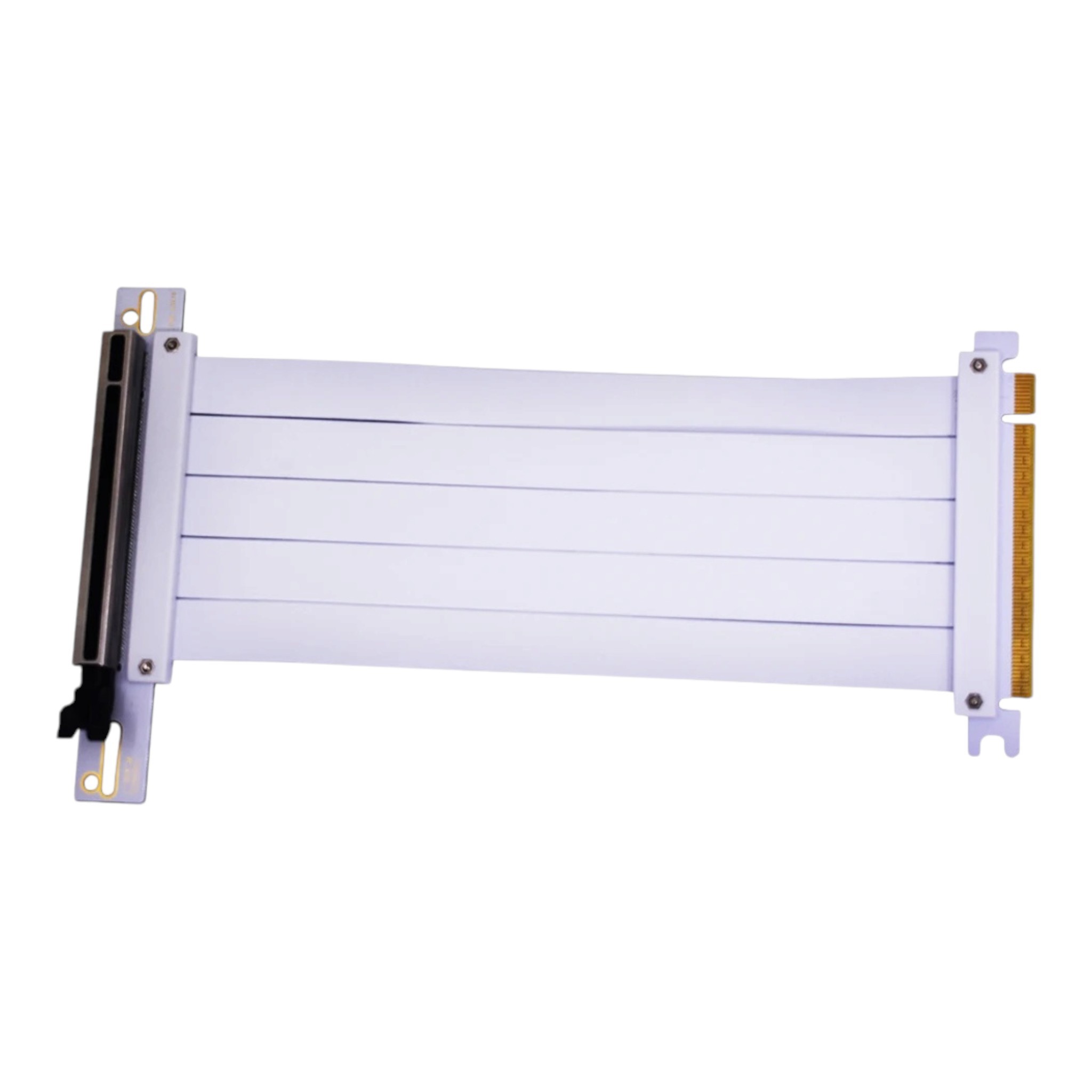
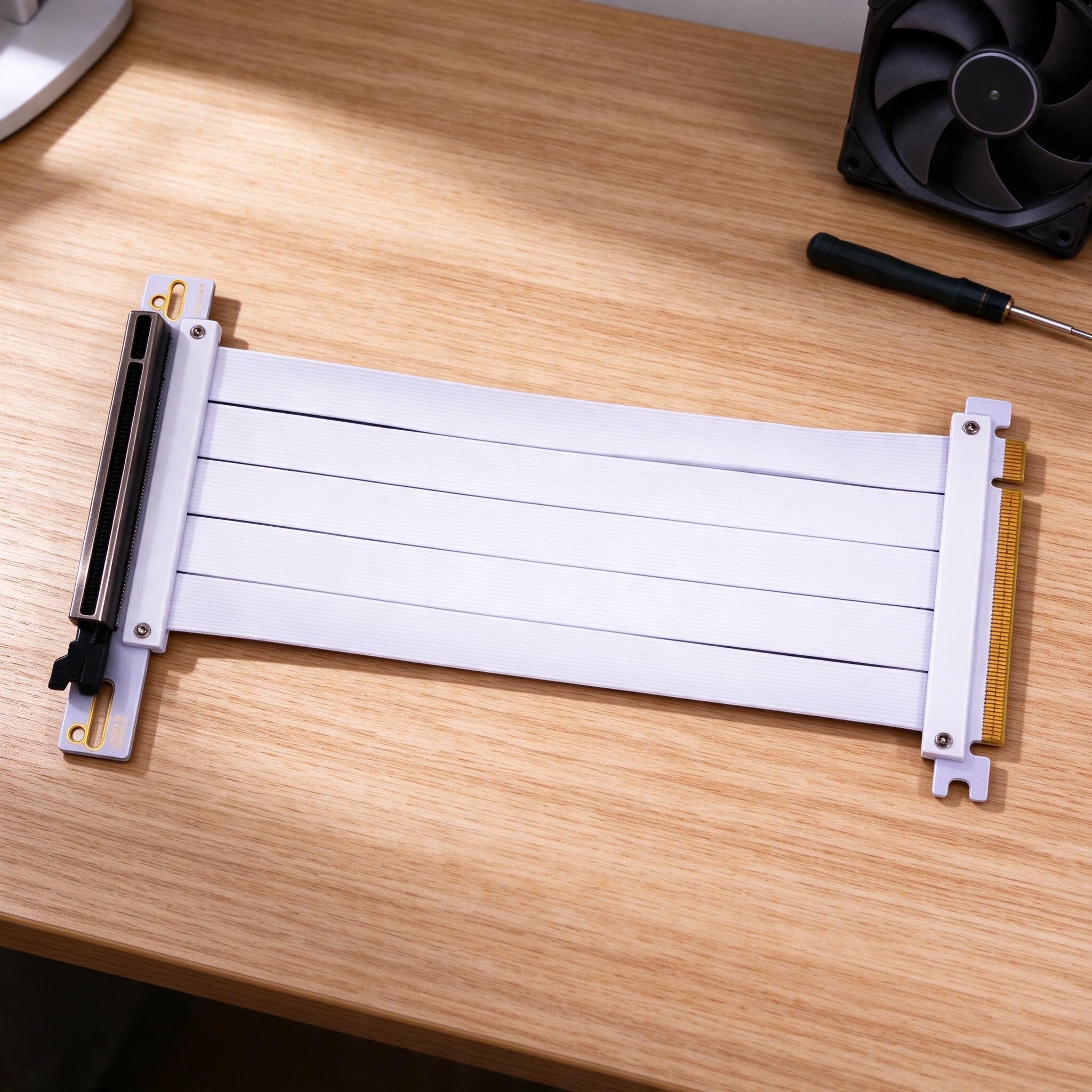
The riser extension cable means the graphics card does not have to be plugged directly into the motherboard slot. At one end of the cable is a connector with gold-plated contacts, which you insert into the PCIe x16 slot on the motherboard; at the other end is a slot into which you connect the graphics card. This lets you move the card to a vertical mount, another part of the case or an open frame. The cable uses the PCIe 4.0 x16 interface, used by modern graphics cards and motherboards. It is flat, slim and flexible, so it can be routed easily through the case.
According to the manufacturer, the PCIe 4.0 x16 interface offers a transfer speed of up to 256 Gb/s, so the cable can connect even high-performance graphics cards. The slot at the end of the cable is reinforced with a metal cover, which holds the card securely and protects the connection from strain. Both ends have metal mounting tabs with screw holes, allowing them to be attached to a vertical mount or the case frame. The flat cable can be bent or slightly twisted as needed, so it adapts to different component layouts. The cable is suitable for systems where the graphics card is to be mounted vertically behind the side panel.
- Type – riser extension cable for a graphics card
- Interface – PCIe 4.0 x16
- Transfer speed – up to 256 Gb/s according to the manufacturer
- Connectors – connector with gold-plated contacts for the motherboard slot and PCIe x16 slot for the graphics card
- Slot – reinforced with a metal cover
- Mounting – metal tabs with screw holes at both ends
- Design – flat flexible cable
- Use – vertical graphics card mounting and positioning the card away from the motherboard slot
- Package contents – PCIe 4.0 x16 riser extension cable
Connect the cable only when the computer is switched off and disconnected from the power supply, as the PCIe interface does not support hot-plugging. During installation, first attach the cable slot to the mount, then insert the connector with contacts into the motherboard slot, and finally connect the graphics card to the cable slot. Bend the cable gently and avoid sharp kinks, making sure that both ends are fully inserted. According to the manufacturer, a black screen after startup is usually caused by a poor connection, so check that both ends are seated correctly if you encounter problems. Store the cable lying flat and loose, and protect the contacts from dust and scratches.
The PCIe 4.0 x16 riser cable is a practical accessory for anyone who wants to position a graphics card somewhere other than directly in the motherboard. The cable is flexible and easy to route through the case, while the gold-plated contacts ensure a reliable connection to the slot. It is suitable for gaming and work PCs with a modern graphics card and motherboard. Used with a vertical mount, it helps display the card behind the side panel and reduces strain on the motherboard slot. Installation takes just a few minutes and requires no special tools.
Delivery
Delivery to address€1.99
Estimated delivery: 2 – 15 December
Shipped from China
You only pay for delivery once per order, whatever its size.
We will email you the tracking number as soon as the seller makes it available.
Delivery is only possible to addresses in Ireland.
Import charges, customs duty and VAT: Product prices include VAT. If it says under the product price that import charges apply, they are added at checkout – €6.55 for each product in your order, regardless of quantity, colour or size. You will see the final price at checkout before you pay, and there is nothing more to pay on delivery. The exception is a parcel worth more than €150: on delivery, the carrier may charge you import VAT and, where applicable, customs duty and a customs clearance fee. Send us the receipt – we will reimburse you the full amount. You can find more information in our Terms and Conditions.
Need more information? Read our article Delivery and Payment.
Returns and Exchanges
Shop with confidence – LUNZO guarantees that your purchase goes smoothly. You arrange returns and exchanges directly with us, so there is nothing to sort out with the seller.
Returns30 days to return without giving a reason
Withdrawal period30 days from receipt of the goods
Deadline to send the goods backWithin 14 days of withdrawing from the contract
Return shipping costsYou pay the postage for sending the goods back to Spain. With An Post (Standard Post), returning a parcel of up to 2 kg to Spain costs about €30. We charge no other fee.
RefundWithin 14 days of your notice of withdrawal, using the same payment method you used for the purchase. If you return the whole order, we will also refund the delivery cost.
Crediting of the amountUsually 2–10 working days, depending on the payment method
Product conditionYou may unpack the goods and try them as you would in a shop, and you can return them even without the original packaging
Returns addressQX-BOX AEMALL RETURN
Rotonda Rene Descartes, Parcela 101 – Nave 3
28070 Alcala de Henares, Madrid
SpainReturns centre in Spain operated by Qxbox, an e-commerce logistics provider and logistics partner of the sellers on our platform.
How do I return goods?
- Email us at info@lunzo.ie with your order number and the items you are returning.
- Pack the goods and send them by post to the returns address in Spain.
- Send us the proof of dispatch with the tracking number – this lets us refund you without waiting for the parcel to arrive.
Faulty goodsUp to 6 years to claim for faulty goods
Did the goods arrive damaged, do they not work, is something missing from the parcel or do they not match the description? We will sort it out.
Period for claiming a faultUp to six years from delivery of the goods
RefundWithout undue delay once the claim has been settled, using the same payment method you used for the purchase
How does it work?
- Email us at info@lunzo.ie with your order number and a description of the problem, and attach photographs or a video.
- We will assess it and suggest a solution. Photographs are usually enough – please do not send the goods back until you have received instructions from us.
- We will settle your claim within 30 days at the latest – with a new item, a price reduction or a refund.
If the goods need to be sent back, we will refund the postage for a valid claim (just provide the receipt).
ExchangesA different size, colour or variant
Write to us within 30 days of receipt at info@lunzo.ie with your order number and the variant you are interested in. We usually reply within 24 hours.
If the variant is available, we will send you instructions for the exchange. You pay the cost of sending the original item back; the new variant will be sent to you at no further charge.
Need more information? Read our articles Returns and Exchanges and Faulty Goods.
Payment methods
 Credit / debit card
Pay with your Visa or Mastercard through a secure payment gateway. Payment goes through instantly, so we can process your order straight away.
 Apple Pay
Pay with a card saved in Apple Wallet on your iPhone, iPad or Mac. You confirm the payment with Face ID, Touch ID or your passcode.
 Google Pay
Pay with a card saved in your Google account, on an Android phone or in the Chrome browser. You never have to enter your card number.
 Bank transfer
Once you complete your order, we will send you the details for the bank transfer. Your order will be dispatched as soon as the payment reaches our account.
 Revolut Pay
Pay with your Revolut account – simply confirm the payment in the Revolut app, without entering any card details. Payment goes through instantly.
Payment is made through a secure payment gateway and your card details are never stored anywhere on our side. We do not charge a fee for any payment method.
Need more information? Read our article Delivery and Payment.
About the seller
This product is sold and shipped by an external seller. LUNZO guarantees you a safe purchase: online payments go through a secure payment gateway, and you handle your order, returns and complaints with us.
The following information has been provided by the product seller, who is responsible for its accuracy. The seller acts as a trader.
Seller:
Gansu Constar Technology Group Co., Ltd.
Address: No.10, Chuangxin South Road, Baiyun District, Baiyun, Gansu, China
E-mail: ksdjt@foxmail.com
Telephone: +86 156 9392 3686
Manufacturer:
Gansu Constar Technology Group Co., Ltd.
Address: No.10, Chuangxin South Road, Baiyun District, Baiyun, Gansu, China
E-mail: ksdjt@foxmail.com
Telephone: +86 156 9392 3686
EU responsible person:
BioDomi GmbH
Address: Schokoladenring 13, 65795 Hattersheim am Main, Germany
E-mail: arcontact@biodomieurope.de
Telephone: +49 178 5749814
All products from this seller