

































































































































TVs
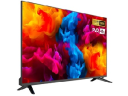
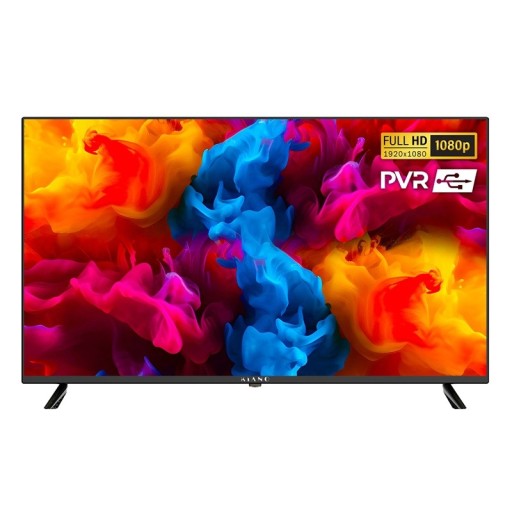
Most TVs today are smart TVs with screen sizes from 32 to over 75 inches, usually with 4K resolution from 43 inches upwards. TVs differ in panel type (LED, QLED, Mini LED or OLED), support for HDR formats, the number and features of their HDMI ports and the operating system, which determines the choice of apps. Smaller Full HD models suit a kitchen or bedroom, while large 4K TVs belong in the living room and suit console gaming.
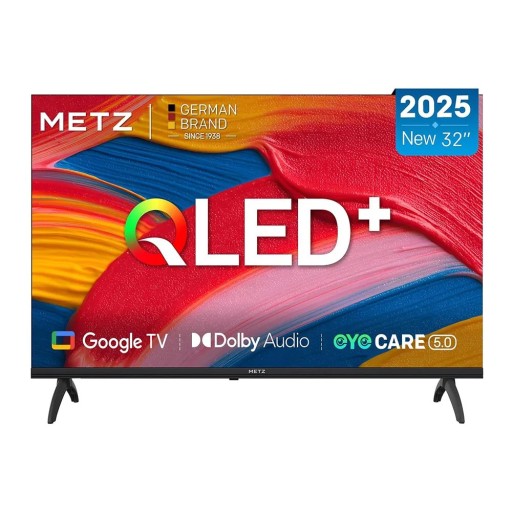
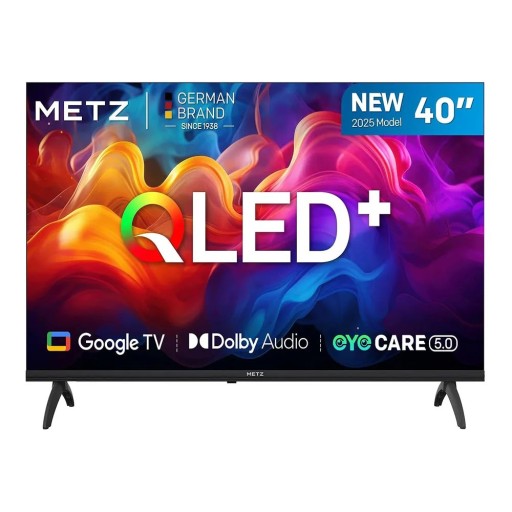
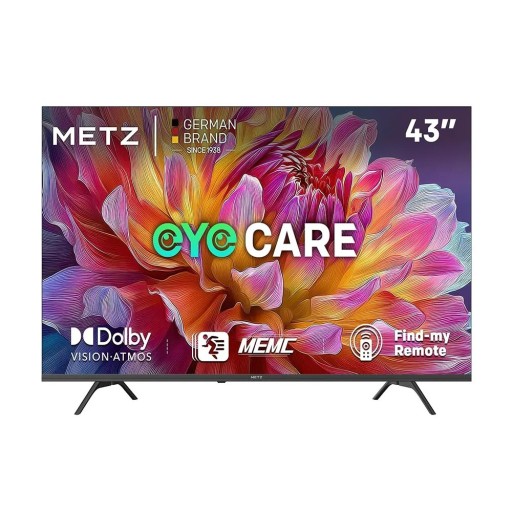
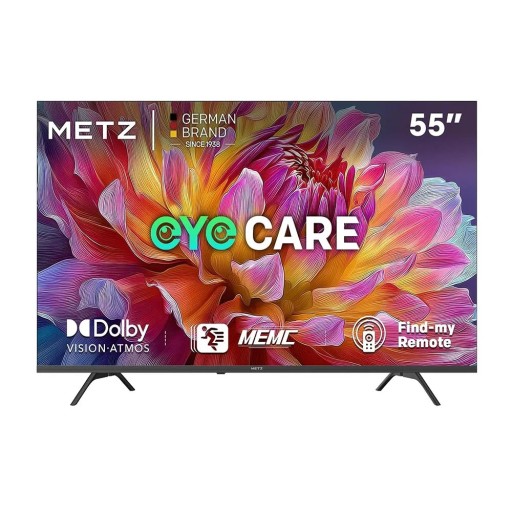
TVs
The picture depends mainly on the panel technology. Standard LED TVs have a backlight behind the LCD panel, and QLED versions add a layer of quantum dots for richer colours. Mini LED uses thousands of tiny diodes split into zones that can be dimmed individually, so blacks are deeper and brightness higher. OLED has no backlight at all: each pixel produces its own light, which gives the best contrast, especially in a darkened room.
For films and series in 4K, HDR support, meaning a wider dynamic range, also matters. The basics are HDR10 and HLG for broadcast TV, while more expensive models also handle Dolby Vision or HDR10+, which adjust brightness scene by scene. Streaming services often offer HDR content only on their higher-tier plans. An HDR logo alone is not enough: the result depends on how bright the panel can actually get.
For gaming on current consoles, a native refresh rate of 120 Hz matters, together with an HDMI 2.1 input with VRR and ALLM, which reduce screen tearing and lag. Manufacturers sometimes quote higher “effective” figures such as 200 or 240 Hz, produced by frame interpolation. What counts is the rate of the panel itself. Not every HDMI port on a TV necessarily offers full bandwidth, so it is worth checking how many support HDMI 2.1.
The operating system determines which apps are available and how long the TV will receive updates. Most models have Wi-Fi, Bluetooth for wireless headphones and can display content shared from a phone. The built-in speakers of slim TVs are often weak on bass, which is why a soundbar is frequently added. Power consumption rises with screen size and is noticeably higher in HDR mode than in normal viewing.
TVs with a large screen are easily damaged when unpacking. Keep the set upright and do not hold the panel in the middle but by the frame at the sides, so that it does not bend. Feet or a central stand are usually included, while a wall bracket is bought separately. After switching on, it is worth changing the vivid default or shop picture mode to Movie mode, which reproduces colours more faithfully.