


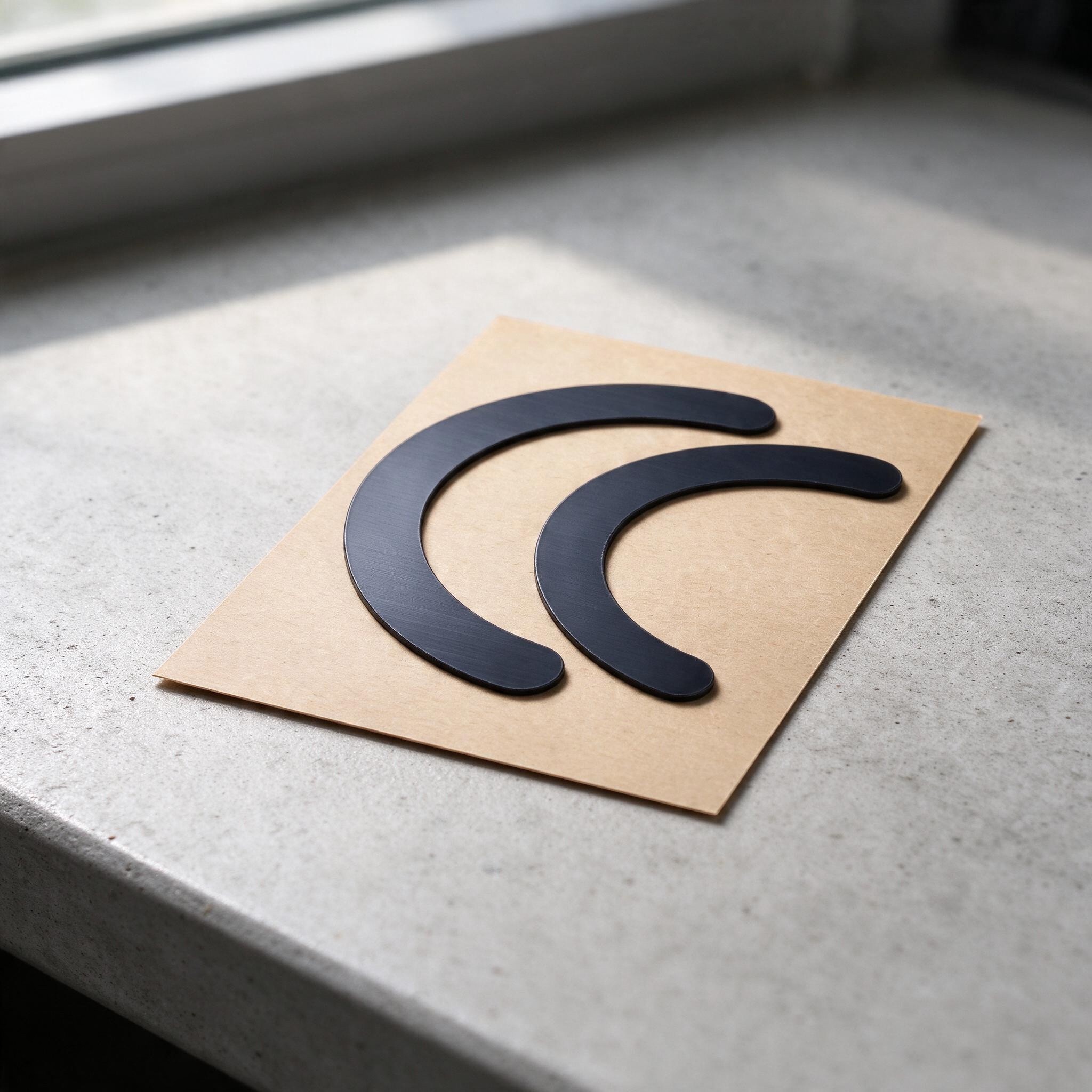
Non-Slip Mouse Feet for Logitech M350 Two Arched Pieces for One Mouse Self-Adhesive Rubber Glide Pads Black Replacement Mouse Feet
You already have the maximum available quantity in your cart.

These non-slip feet for the Logitech M350 mouse replace the original glide pads, which wear down, become scratched or start to peel away from the mouse body with use. The pieces are arched and made specifically for the Logitech M350, so they follow the contours on its underside. The pads are made of rubber and have a self-adhesive layer on the back, allowing you to replace them without tools. Their smooth surface helps the mouse glide lightly and evenly across a mouse pad or desk. The repair takes just a few minutes.
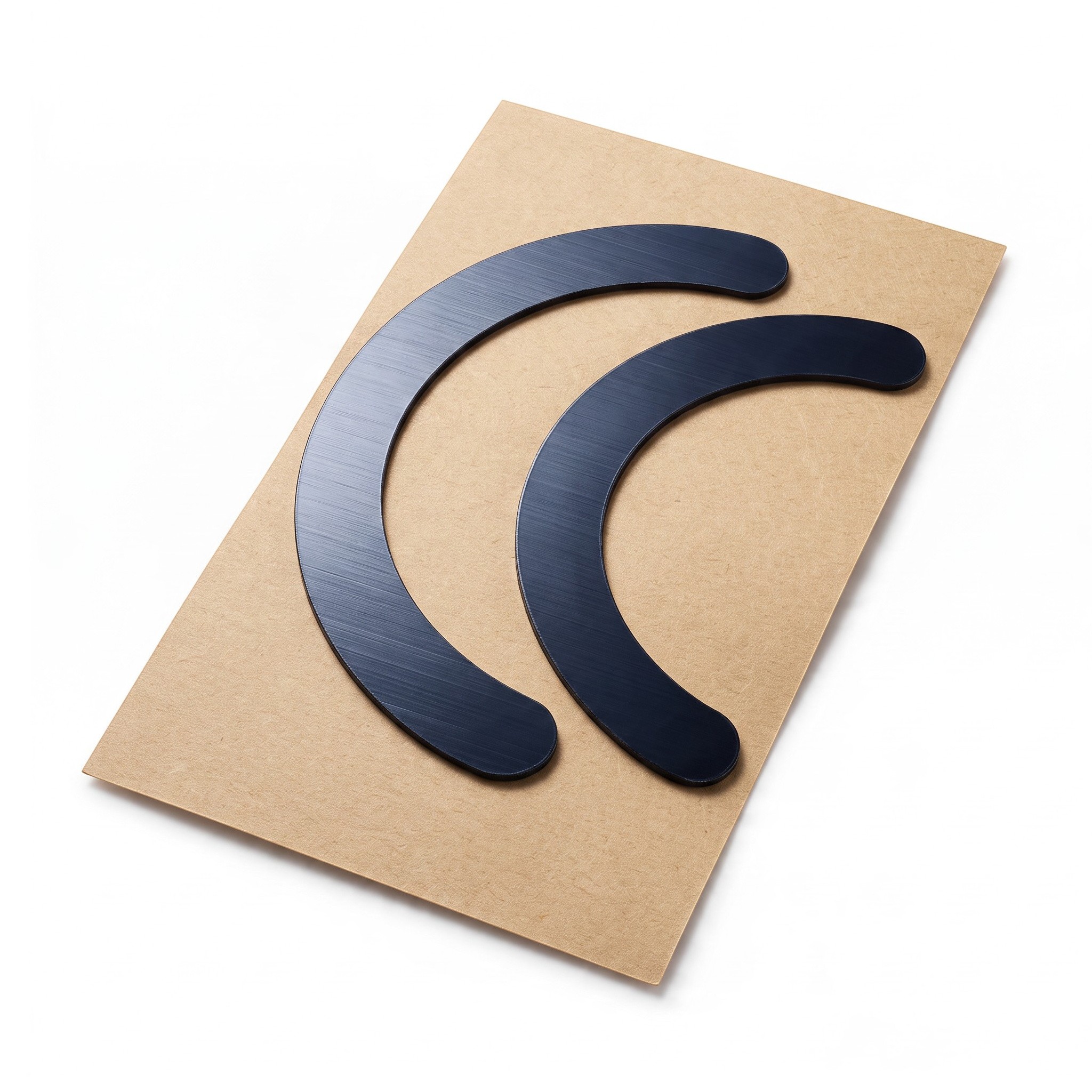
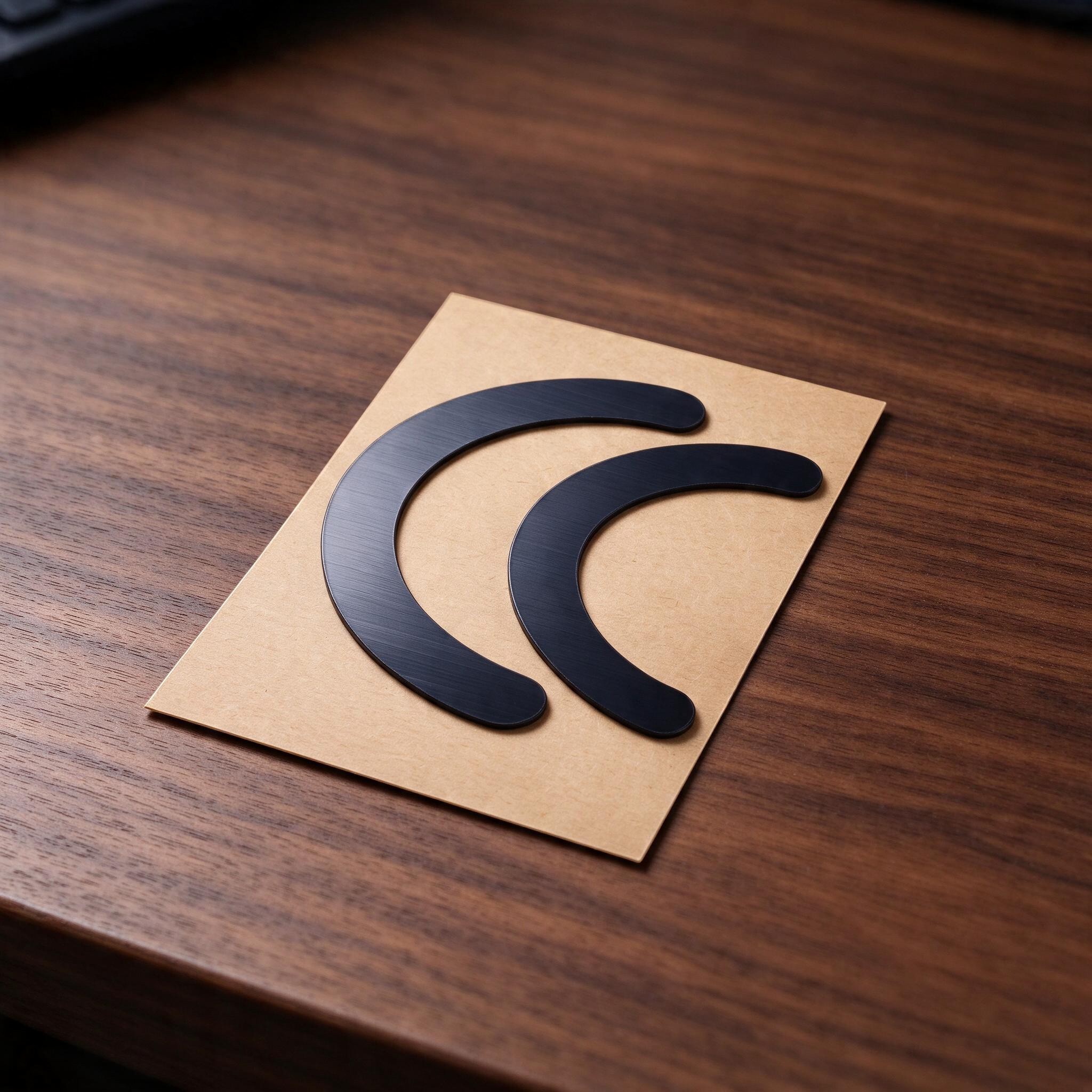
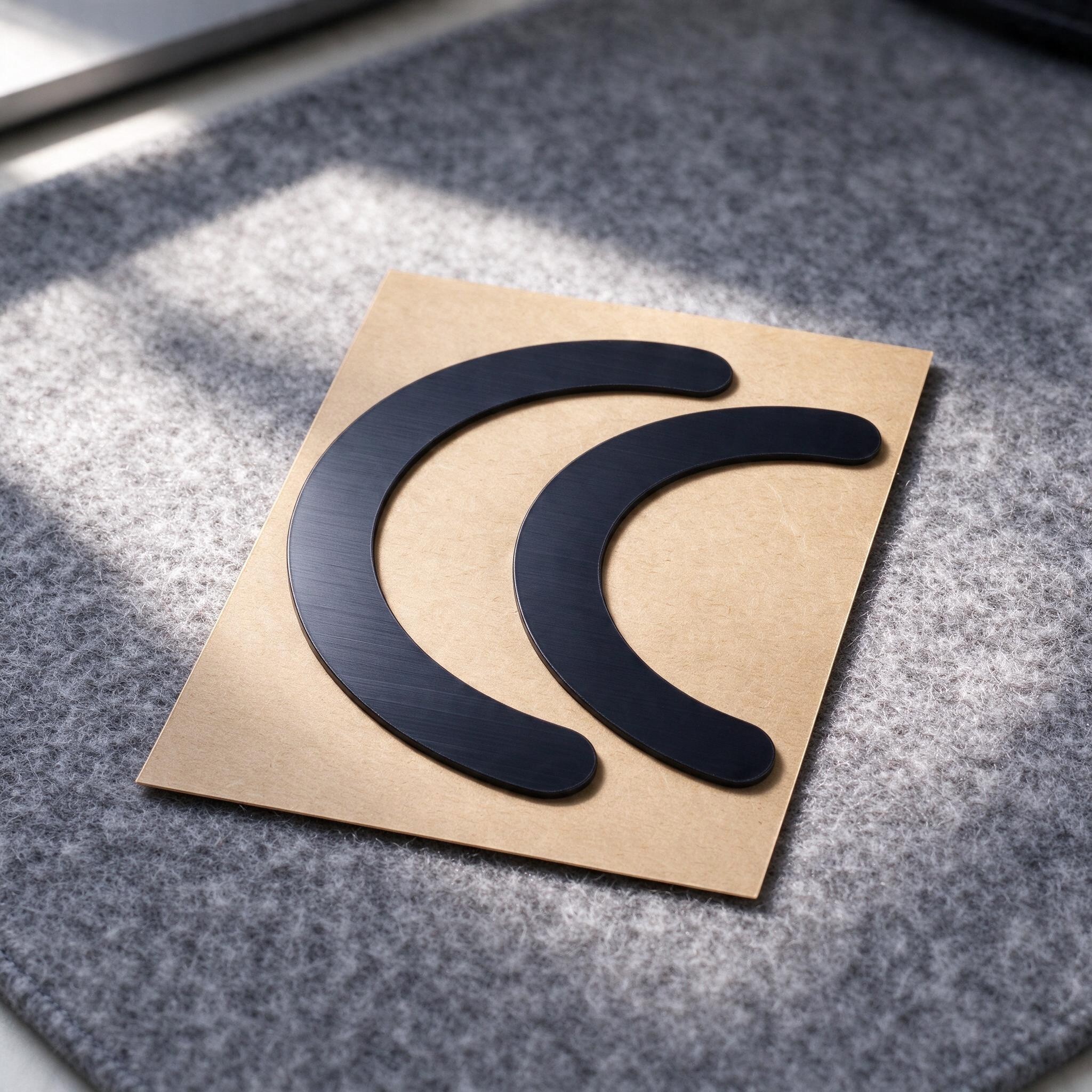
The set consists of two arched pieces on a single backing sheet. One arch is slightly larger than the other; both have rounded ends and together cover the areas where the original mouse feet were fitted. Worn or missing glide pads can cause the mouse to drag, scrape against the surface, make an unpleasant noise or move unevenly. The new pads resolve these issues, allowing the mouse to sit stably on the mouse pad again. Thanks to their precise arched shape, the pieces do not need to be cut or otherwise modified; simply stick them in the correct place.
- Compatibility – Logitech M350 mouse
- Type – replacement non-slip feet, glide pads for the underside of the mouse
- Shape – one larger and one smaller arched strip with rounded ends
- Material – rubber
- Colour – black
- Attachment – self-adhesive layer on the back
- Supplied – both pieces on a single backing sheet
- Package contents – 1 set of non-slip feet for one Logitech M350 mouse (2 arched pieces on a sheet)
Before attaching the new pads, remove the old feet and thoroughly clean the underside of the mouse to remove any adhesive residue, dust and grease. A damp wipe or a little cleaning solution is suitable for this. Wait until the surface is completely dry. Then peel one arch off the sheet, position it precisely in the recess on the underside of the mouse and press down firmly over the entire surface, especially at the ends of the arch. Repeat with the second piece. Avoid touching the adhesive side with your fingers to preserve its strong adhesion. It is best to wait a short while for the adhesive to set before using the mouse.
These non-slip feet for the Logitech M350 mouse are a simple, affordable way to restore your favourite mouse's original glide without buying a new one. Both pieces are supplied on a single sheet and shaped to match the underside of this model, making replacement quick and straightforward. The self-adhesive backing makes them easy to apply, while the smooth surface ensures effortless movement across a mouse pad. The pack contains 2 arched pieces in black. They are ideal for use in the office, while studying or when travelling with a laptop.
Delivery
Delivery to address€1.99
Estimated delivery: 27 November – 10 December
Shipped from China
You only pay for delivery once per order, whatever its size.
We will email you the tracking number as soon as the seller makes it available.
Delivery is only possible to addresses in Ireland.
Import charges, customs duty and VAT: Product prices include VAT. If it says under the product price that import charges apply, they are added at checkout – €6.55 for each product in your order, regardless of quantity, colour or size. You will see the final price at checkout before you pay, and there is nothing more to pay on delivery. The exception is a parcel worth more than €150: on delivery, the carrier may charge you import VAT and, where applicable, customs duty and a customs clearance fee. Send us the receipt – we will reimburse you the full amount. You can find more information in our Terms and Conditions.
Need more information? Read our article Delivery and Payment.
Returns and Exchanges
Shop with confidence – LUNZO guarantees that your purchase goes smoothly. You arrange returns and exchanges directly with us, so there is nothing to sort out with the seller.
Returns30 days to return without giving a reason
Withdrawal period30 days from receipt of the goods
Deadline to send the goods backWithin 14 days of withdrawing from the contract
Return shipping costsYou pay the postage for sending the goods back to Spain. With An Post (Standard Post), returning a parcel of up to 2 kg to Spain costs about €30. We charge no other fee.
RefundWithin 14 days of your notice of withdrawal, using the same payment method you used for the purchase. If you return the whole order, we will also refund the delivery cost.
Crediting of the amountUsually 2–10 working days, depending on the payment method
Product conditionYou may unpack the goods and try them as you would in a shop, and you can return them even without the original packaging
Returns addressQX-BOX AEMALL RETURN
Rotonda Rene Descartes, Parcela 101 – Nave 3
28070 Alcala de Henares, Madrid
SpainReturns centre in Spain operated by Qxbox, an e-commerce logistics provider and logistics partner of the sellers on our platform.
How do I return goods?
- Email us at info@lunzo.ie with your order number and the items you are returning.
- Pack the goods and send them by post to the returns address in Spain.
- Send us the proof of dispatch with the tracking number – this lets us refund you without waiting for the parcel to arrive.
Faulty goodsUp to 6 years to claim for faulty goods
Did the goods arrive damaged, do they not work, is something missing from the parcel or do they not match the description? We will sort it out.
Period for claiming a faultUp to six years from delivery of the goods
RefundWithout undue delay once the claim has been settled, using the same payment method you used for the purchase
How does it work?
- Email us at info@lunzo.ie with your order number and a description of the problem, and attach photographs or a video.
- We will assess it and suggest a solution. Photographs are usually enough – please do not send the goods back until you have received instructions from us.
- We will settle your claim within 30 days at the latest – with a new item, a price reduction or a refund.
If the goods need to be sent back, we will refund the postage for a valid claim (just provide the receipt).
ExchangesA different size, colour or variant
Write to us within 30 days of receipt at info@lunzo.ie with your order number and the variant you are interested in. We usually reply within 24 hours.
If the variant is available, we will send you instructions for the exchange. You pay the cost of sending the original item back; the new variant will be sent to you at no further charge.
Need more information? Read our articles Returns and Exchanges and Faulty Goods.
Payment methods
 Credit / debit card
Pay with your Visa or Mastercard through a secure payment gateway. Payment goes through instantly, so we can process your order straight away.
 Apple Pay
Pay with a card saved in Apple Wallet on your iPhone, iPad or Mac. You confirm the payment with Face ID, Touch ID or your passcode.
 Google Pay
Pay with a card saved in your Google account, on an Android phone or in the Chrome browser. You never have to enter your card number.
 Bank transfer
Once you complete your order, we will send you the details for the bank transfer. Your order will be dispatched as soon as the payment reaches our account.
 Revolut Pay
Pay with your Revolut account – simply confirm the payment in the Revolut app, without entering any card details. Payment goes through instantly.
Payment is made through a secure payment gateway and your card details are never stored anywhere on our side. We do not charge a fee for any payment method.
Need more information? Read our article Delivery and Payment.
About the seller
This product is sold and shipped by an external seller. LUNZO guarantees you a safe purchase: online payments go through a secure payment gateway, and you handle your order, returns and complaints with us.
The following information has been provided by the product seller, who is responsible for its accuracy. The seller acts as a trader.
Seller:
Gansu Constar Technology Group Co., Ltd.
Address: No.10, Chuangxin South Road, Baiyun District, Baiyun, Gansu, China
E-mail: ksdjt@foxmail.com
Telephone: +86 156 9392 3686
Manufacturer:
Gansu Constar Technology Group Co., Ltd.
Address: No.10, Chuangxin South Road, Baiyun District, Baiyun, Gansu, China
E-mail: ksdjt@foxmail.com
Telephone: +86 156 9392 3686
EU responsible person:
BioDomi GmbH
Address: Schokoladenring 13, 65795 Hattersheim am Main, Germany
E-mail: arcontact@biodomieurope.de
Telephone: +49 178 5749814
All products from this seller