




Mouse Jiggler USB-A Mini with ON/OFF Button and 3 Modes Plastic Black Against Sleep and Locking of Computer No Drivers Required
You already have the maximum available quantity in your cart.

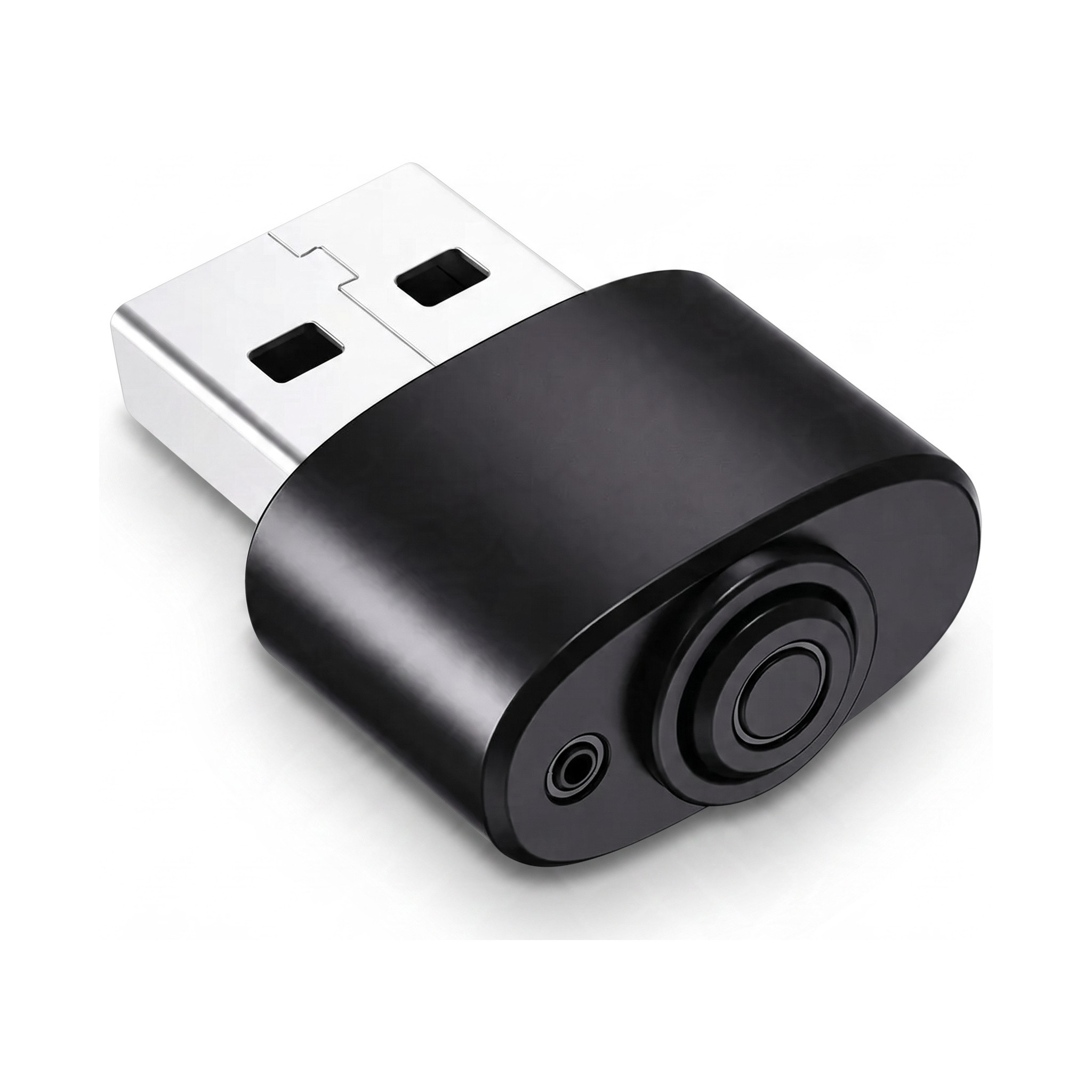
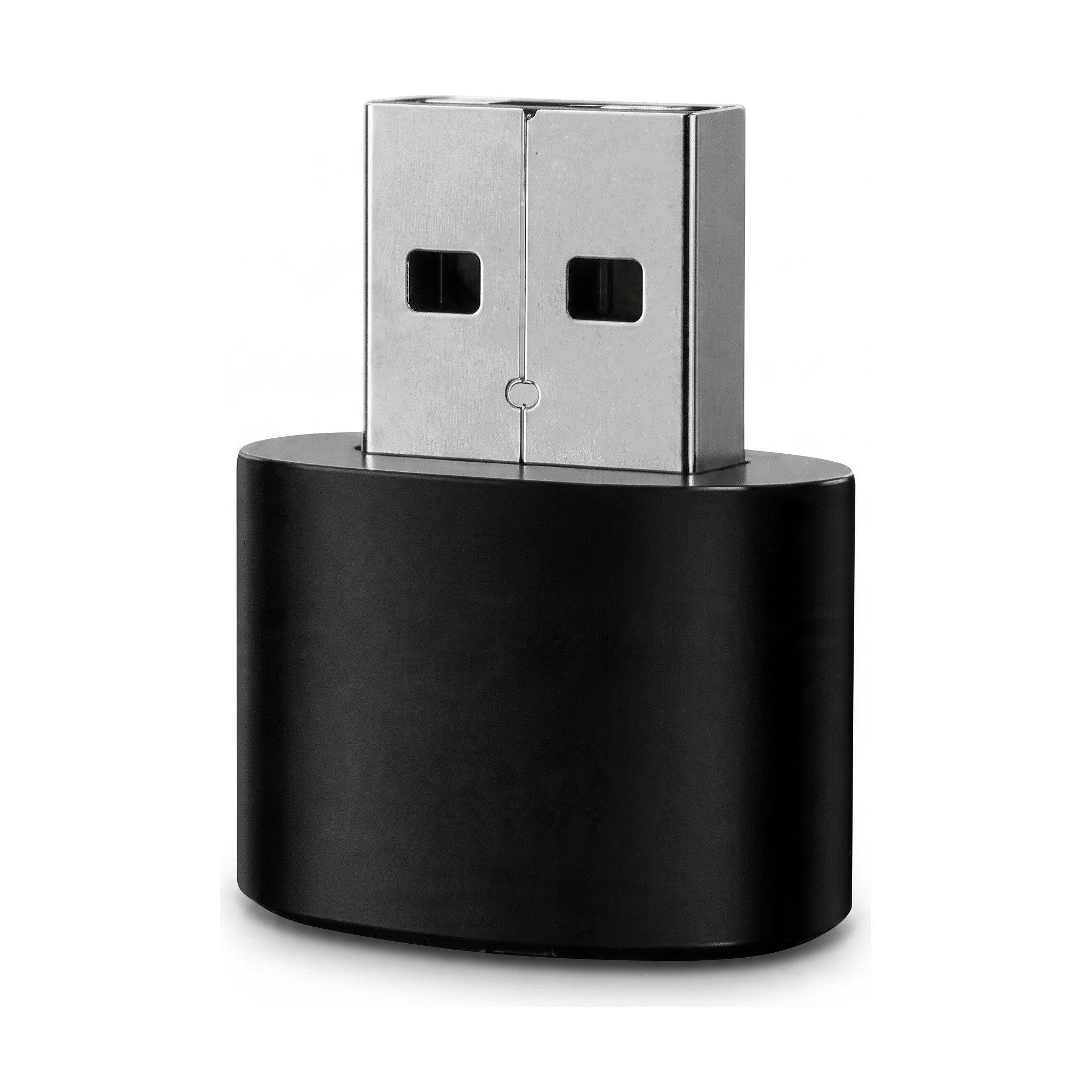
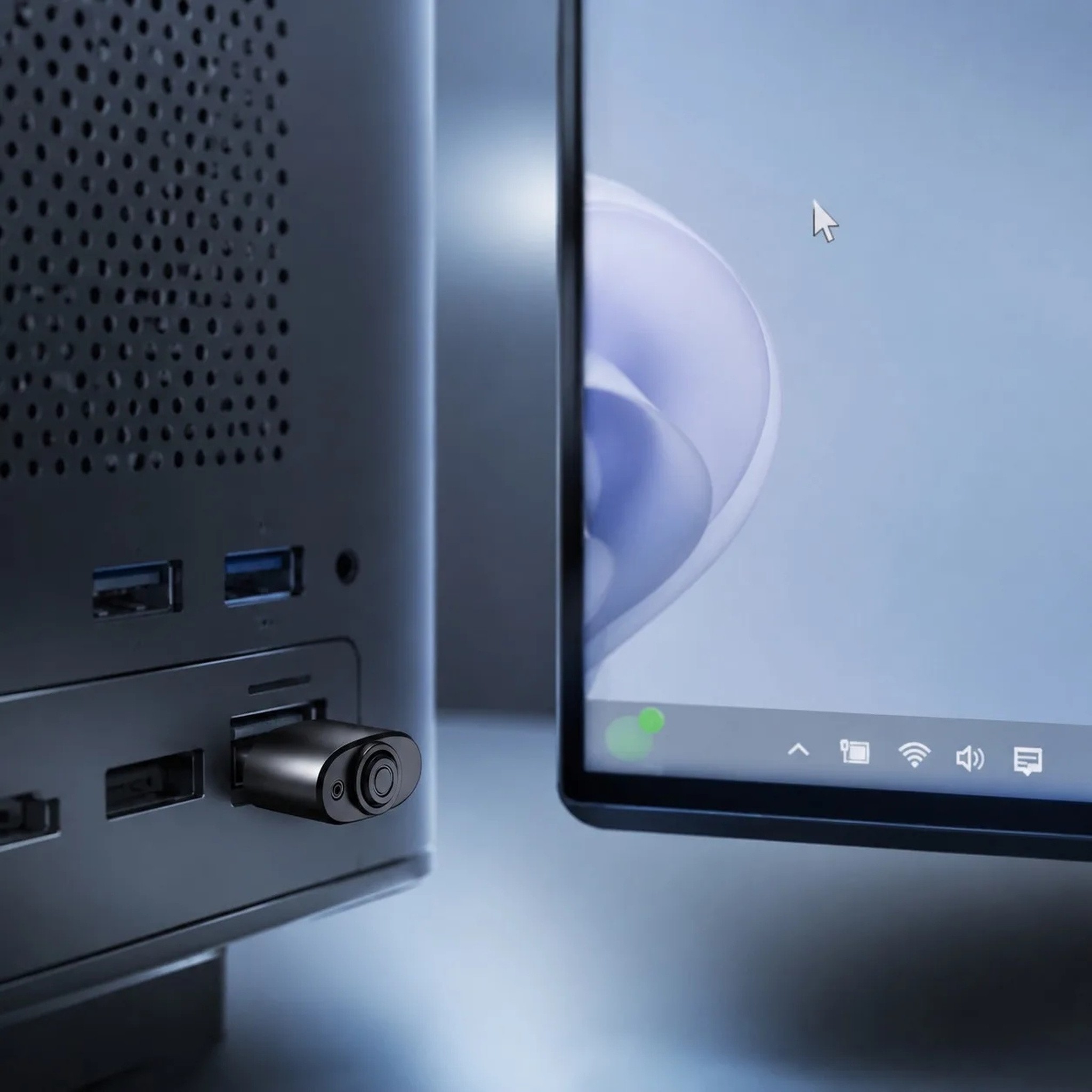
The mouse movement simulator is a small helper that ensures your computer remains active even when you are not sitting at the keyboard. The device connects via USB-A connector and mimics slight cursor movements, preventing the system from entering sleep mode, locking the screen, or activating the screensaver. It is ideal for working from home, long online meetings, downloading large files, or remote access to your computer. Thanks to its plug and play without drivers design, there is no need to install or configure anything. The compact black plastic body is so small that it barely protrudes from the laptop's port.
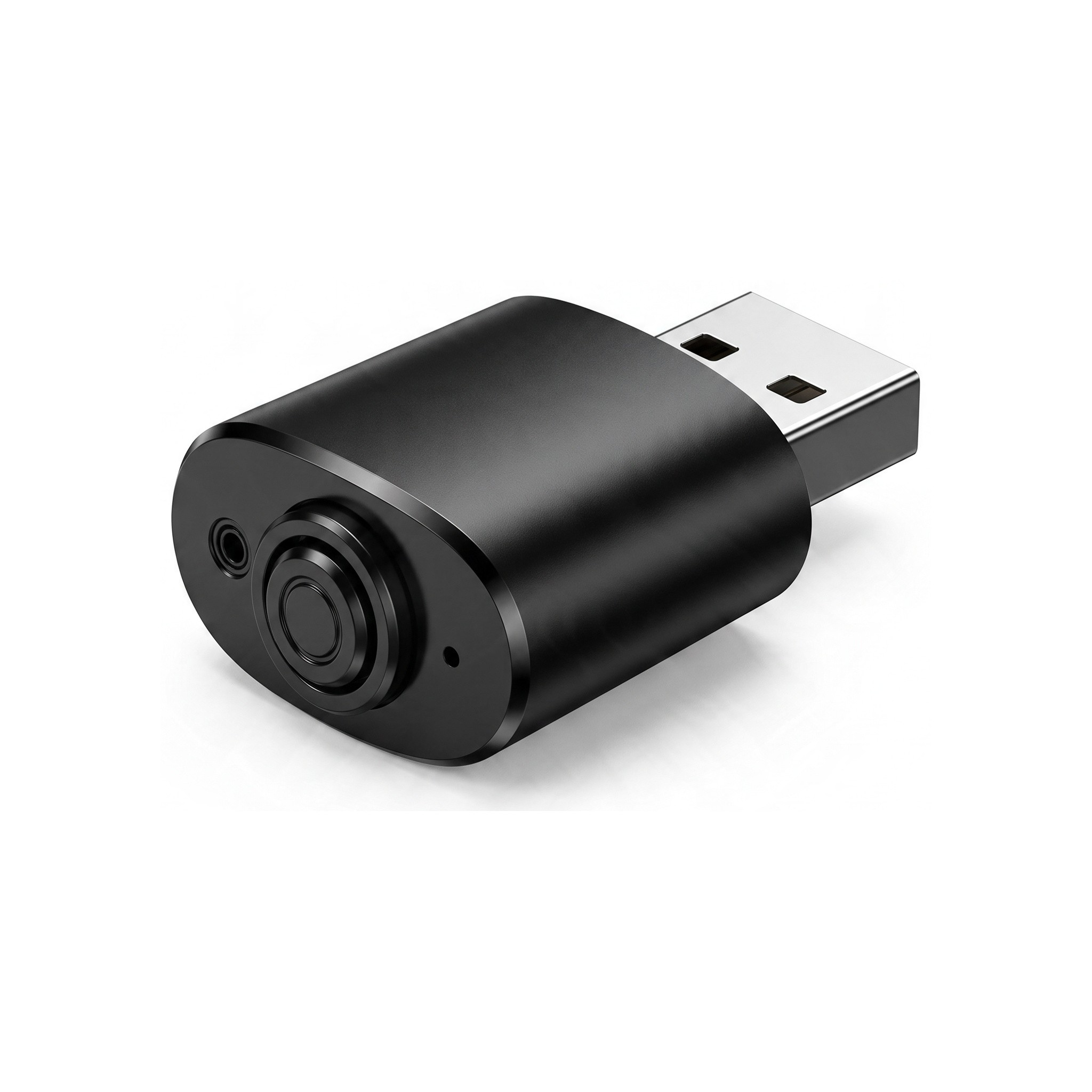
On the front, you will find a round ON/OFF button that allows you to easily turn the movement simulation on or off without having to remove the jiggler from the port. The device offers 3 movement modes, so you can choose the behaviour that suits you best. The LED indicator will light up upon insertion into the port, showing that the jiggler is connected and working. The jiggler is compatible with Windows, macOS, Linux, and Android, and can be connected to a desktop computer, laptop, or other devices with a USB-A port.
- Type – mouse movement simulator (mouse jiggler)
- Connection – USB-A
- Control – ON/OFF button on the front
- Modes – 3 movement modes
- Indication – LED indicator
- Installation – plug and play without drivers
- Compatibility – Windows, macOS, Linux, and Android
- Material – plastic
- Colour – black
- Use – prevention of sleep and locking of the computer while working from home, online meetings, and downloading
- Package contents – 1 mouse movement simulator with USB-A connector
Using it is very simple. Insert the jiggler into a free USB-A port, wait for the indicator light to turn on, and activate the movement simulation with the button. When you no longer need the movement simulation, simply turn it off with the button or remove the device from the port. Due to its small size, you can leave it plugged into your laptop even when carrying it in a bag or keep it in your pocket along with your keys. For cleaning, simply wipe the surface with a dry cloth and protect the device from moisture, drops, and direct contact with liquids. If you do not use the jiggler for an extended period, store it in a dry place where it will not get scratched unnecessarily.
The small mouse movement simulator is a practical accessory for anyone who needs to keep their computer active and does not want to change power-saving settings. With the ON/OFF button, you have full control over the movement simulation and do not need to constantly plug and unplug the device. The USB-A connection can be handled by any user in just a few seconds without driver installation. Its compact dimensions ensure that the jiggler does not get in the way on your desk or in your laptop while travelling. A reliable helper for home office, long video calls, and overnight downloads, which, thanks to support for Windows, macOS, Linux, and Android, can be used with practically any computer.
Delivery
Delivery to address€1.59
Estimated delivery: 6 – 19 November
You only pay for delivery once per order, whatever its size.
We will email you the tracking number as soon as the seller makes it available.
Delivery guarantee: if your parcel does not arrive within 75 days of payment, we will refund your money or the goods will be sent to you again – whichever you choose.
Delivery is only possible to addresses in Ireland.
Need more information? Read our article Delivery and Payment.
Returns and Exchanges
Shop with confidence – LUNZO guarantees that your purchase goes smoothly. You arrange returns and exchanges directly with us, so there is nothing to sort out with the seller.
Returns30 days to return without giving a reason
Withdrawal period30 days from receipt of the goods
Deadline to send the goods backWithin 14 days of withdrawing from the contract
Return shipping costsYou pay the postage for sending the goods back to Spain. It is an international parcel, so it usually costs more than a parcel sent within Ireland. We charge no other fee.
RefundWithin 14 days of your notice of withdrawal, using the same payment method you used for the purchase. If you return the whole order, we will also refund the delivery cost.
Crediting of the amountUsually 2–10 working days, depending on the payment method
Product conditionYou may unpack the goods and try them as you would in a shop, and you can return them even without the original packaging
Returns addressQX-BOX AEMALL RETURN
Rotonda Rene Descartes, Parcela 101 – Nave 3
28070 Alcala de Henares, Madrid
Spain
How do I return goods?
- Email us at info@lunzo.ie with your order number and the items you are returning.
- Pack the goods and send them by post to the returns address in Spain.
- Send us the proof of dispatch with the tracking number – this lets us refund you without waiting for the parcel to arrive.
Faulty goodsUp to 6 years to claim for faulty goods
Did the goods arrive damaged, do they not work, is something missing from the parcel or do they not match the description? We will sort it out.
Period for claiming a faultUp to six years from delivery of the goods
RefundWithout undue delay once the claim has been settled, using the same payment method you used for the purchase
How does it work?
- Email us at info@lunzo.ie with your order number and a description of the problem, and attach photographs or a video.
- We will assess it and suggest a solution. Photographs are usually enough – please do not send the goods back until you have received instructions from us.
- We will settle your claim within 30 days at the latest – with a new item, a price reduction or a refund.
If the goods need to be sent back, we will refund the postage for a valid claim (just provide the receipt).
ExchangesA different size, colour or variant
Write to us within 30 days of receipt at info@lunzo.ie with your order number and the variant you are interested in. We usually reply within 24 hours.
If the variant is available, we will send you instructions for the exchange. You pay the cost of sending the original item back; the new variant will be sent to you at no further charge.
Need more information? Read our articles Returns and Exchanges and Faulty Goods.
Payment methods
 Credit / debit card
Pay with your Visa or Mastercard through a secure payment gateway. Payment goes through instantly, so we can process your order straight away.
 Apple Pay
Pay with a card saved in Apple Wallet on your iPhone, iPad or Mac. You confirm the payment with Face ID, Touch ID or your passcode.
 Google Pay
Pay with a card saved in your Google account, on an Android phone or in the Chrome browser. You never have to enter your card number.
 Bank transfer
Once you complete your order, we will send you the details for the bank transfer. Your order will be dispatched as soon as the payment reaches our account.
 Revolut Pay
Pay with your Revolut account – simply confirm the payment in the Revolut app, without entering any card details. Payment goes through instantly.
Payment is made through a secure payment gateway and your card details are never stored anywhere on our side. We do not charge a fee for any payment method.
Need more information? Read our article Delivery and Payment.
About the seller
This product is sold and shipped by an external seller. LUNZO guarantees you a safe purchase: online payments go through a secure payment gateway, and you handle your order, returns and complaints with us.
The following information has been provided by the product seller, who is responsible for its accuracy. The seller acts as a trader.
Seller:
Gansu Constar Technology Group Co., Ltd.
Address: No.10, Chuangxin South Road, Baiyun District, Baiyun, Gansu, China
E-mail: ksdjt@foxmail.com
Telephone: +86 156 9392 3686
Manufacturer:
Gansu Constar Technology Group Co., Ltd.
Address: No.10, Chuangxin South Road, Baiyun District, Baiyun, Gansu, China
E-mail: ksdjt@foxmail.com
Telephone: +86 156 9392 3686
EU responsible person:
BioDomi GmbH
Address: Schokoladenring 13, 65795 Hattersheim am Main, Germany
E-mail: arcontact@biodomieurope.de
Telephone: +49 178 5749814
All products from this seller