



























































































Electronics and accessories for 3D printers
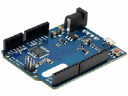
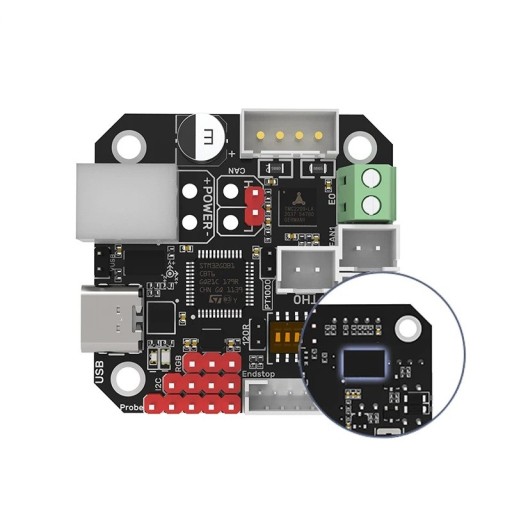
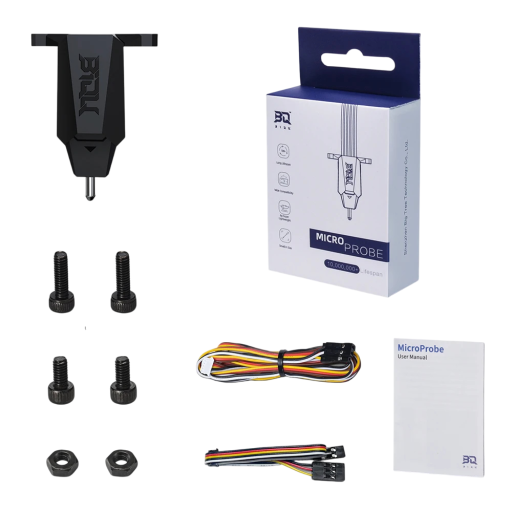
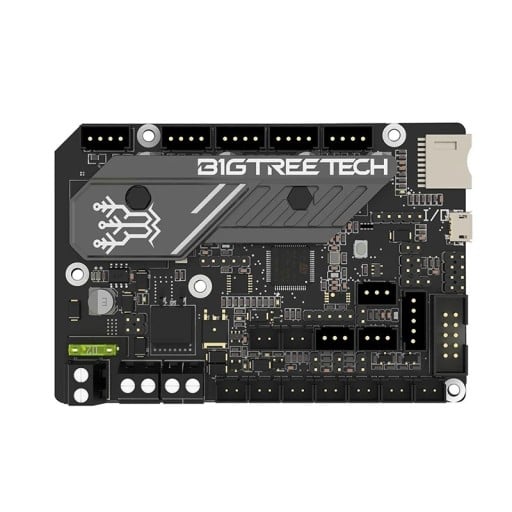
Electronics and accessories that turn a 3D printer into a quieter, more accurate and more reliable machine. Here you will find SKR mainboards, EBB CAN boards for the toolhead, the U2C adapter for connecting the CAN bus to a computer, and the MicroProbe sensor for automatic bed levelling. On top of that, enclosures, anti-vibration feet, spool holders. Choose according to your printer model.


Electronics and accessories for 3D printers
A printer out of the box usually works, except that after a few hundred hours you hit its ceiling: noisy motors, levelling the bed by hand, a cable loom running out to the toolhead. The electronics and accessories in this range tackle exactly that, and generally come to less than a new printer.
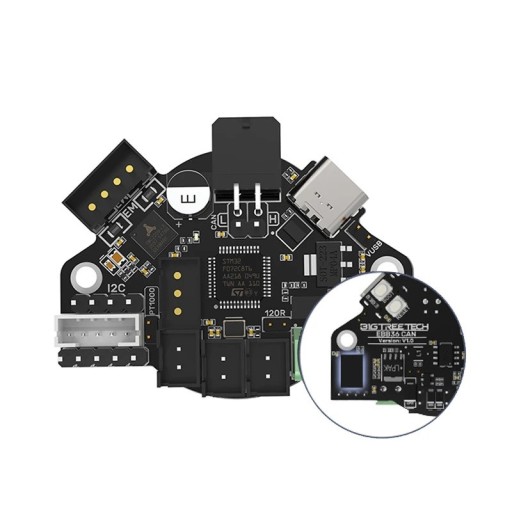
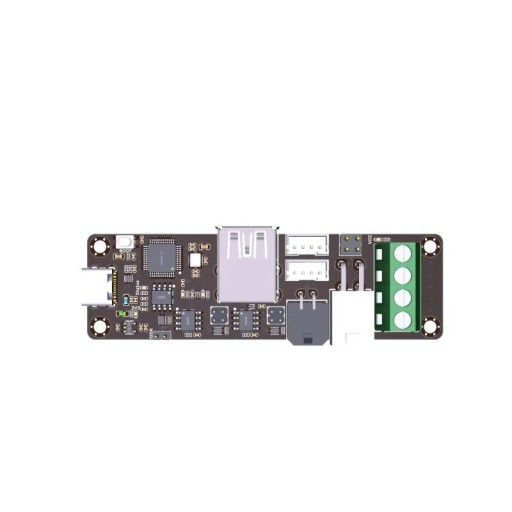
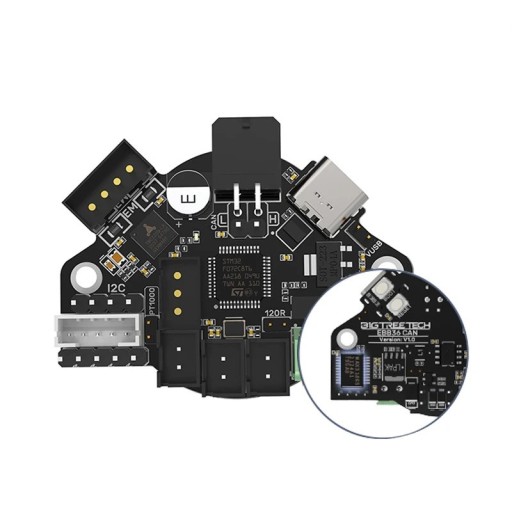
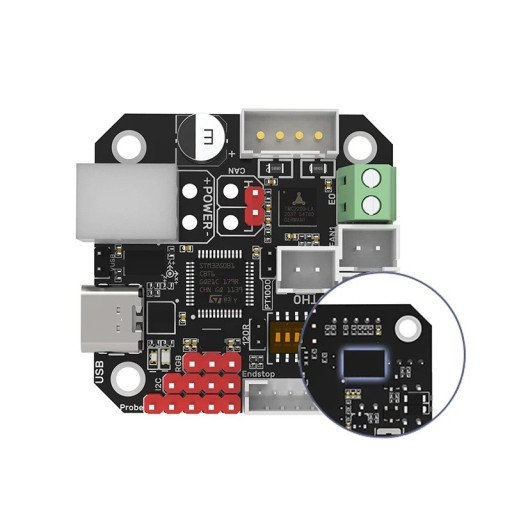
Mainboards are the biggest intervention. A 32-bit board such as the SKR MINI E3 V3.0 replaces the original electronics, brings quieter stepper drivers and opens the door to modern firmware. CAN boards for the toolhead, like the EBB 36 and EBB 42, take another route: they gather the wiring to the hotend, fans and sensors into a single thin CAN lead, so the loom that eventually breaks disappears. The U2C adapter then links the CAN bus to a computer.
An automatic bed levelling sensor such as the MicroProbe measures the plate on its own, and the printer matches the first layer to its real shape — no more slip of paper under the nozzle and no more turning screws.
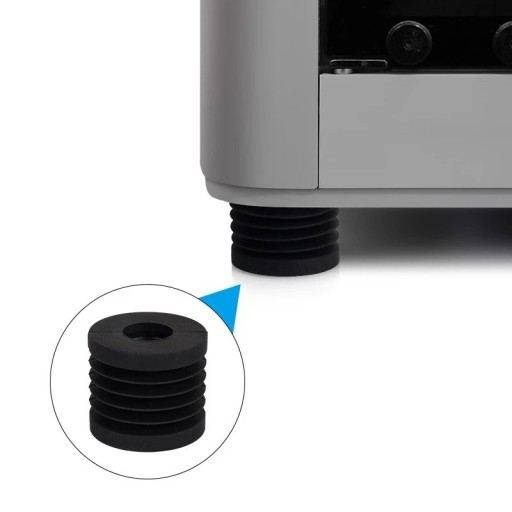
Among the accessories, the enclosure — the heat-insulating tent — makes the biggest difference: it keeps the temperature around the printer steady, which ABS and ASA in particular appreciate, while also damping noise and keeping dust out. Anti-vibration feet stop resonance from passing into the desk, spool holders clear the filament's path.
Before buying, always check the printer model and the board version — wiring, connectors and supported firmware differ even within one range. Replace electronics with the power disconnected, and when swapping a board reckon with flashing firmware and a fresh configuration; the printer will not come up on its own afterwards. If you are not sure of yourself, hand the job to a professional and follow the manufacturer's instructions.